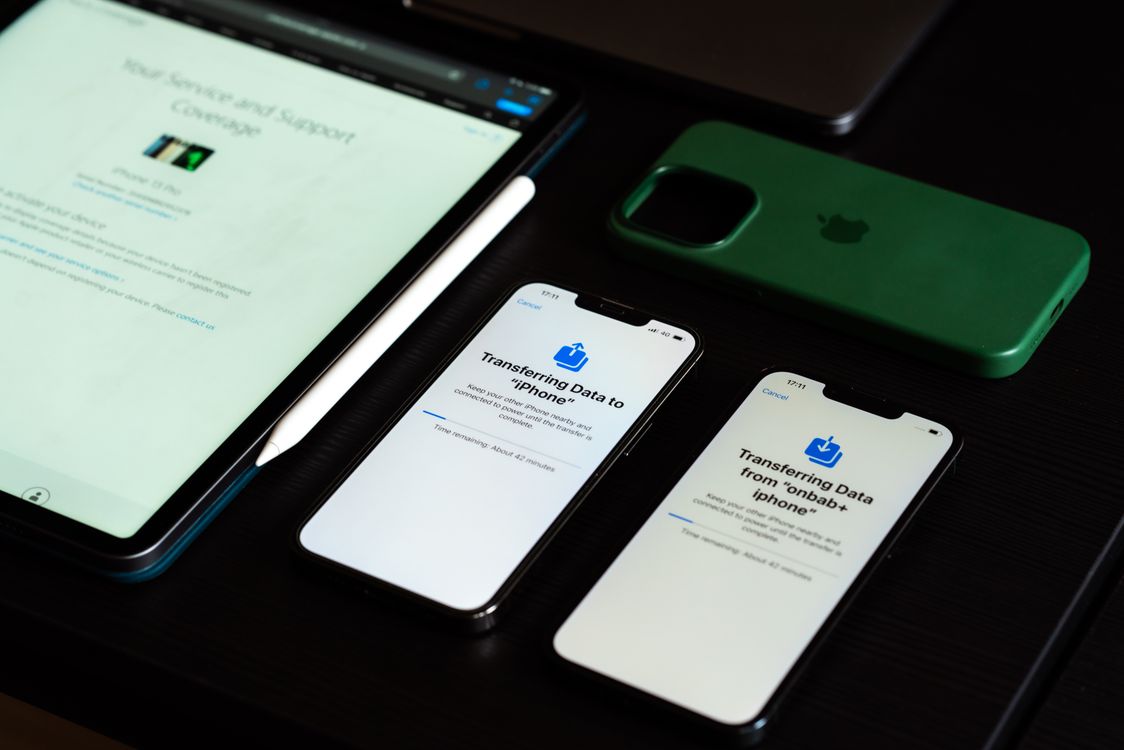
Illustrative photo by Sami Abdullah on Pexels, used under the Pexels licence.
Checked 9 September 2026. This is a comparison of the companies' published UK policies, not a hands-on test of devices bought from either store. GadgetRank may earn commission when you follow a comparison link and complete a purchase.
Choose Apple Certified Refurbished if you want to buy directly from Apple and value its refurbishment specification. Choose Back Market if you want to compare different sellers and cosmetic grades, provided you check the exact listing. Neither is automatically the better deal. The useful comparison is between two matching devices, including the battery promise, seller and total price.
There is also a third option: compare specialist UK refurbished retailers before committing. Start with our refurbished phone comparison if you already know the model you want. This guide explains how to judge an Apple offer against a Back Market listing without treating every product labelled “refurbished” as equivalent.
Back Market and Apple Refurbished at a glance
| What matters | Apple Certified Refurbished | Back Market UK |
|---|---|---|
| Who sells the device? | Apple, through its own refurbished store | The seller identified on the marketplace listing |
| Refurbishment standard | Apple's own programme and published specification | Marketplace standards, with seller and grade details to check |
| Battery | Apple specifies a new battery for refurbished iOS devices | Check the product's battery option; do not infer it from appearance |
| Cosmetic condition | No Fair, Good or Excellent price tiers | Cosmetic grade can change the price |
| Commercial warranty | Apple's one-year limited warranty | A 12-month warranty provided by the seller |
| Standard change-of-mind return window | 14 calendar days from delivery | 30 days from delivery, subject to policy conditions |
| Price comparison | Match the actual configuration available | Match configuration, grade, battery option and seller |
The policy details in this table come from Apple's refurbishment description, Apple's UK returns policy, Back Market's seller warranty and Back Market's returns policy. They were checked on the date above. Read the current terms before ordering.
The biggest difference is who you buy from
Apple Certified Refurbished is Apple's own retail programme. Back Market is a marketplace connecting buyers with sellers. An iPhone sold through Back Market is not thereby an Apple Certified Refurbished iPhone, even if the listing describes it as excellent or premium.
That distinction matters when you compare the order paperwork and decide how you would handle a problem. On a marketplace, record the seller's name as well as the platform name. Keep the invoice, listing description and any battery option you selected. Those are more useful than remembering the headline grade alone.
With either route, check the exact model number, storage and connectivity. Two iPads with the same screen size can belong to different generations. Two MacBooks described as an M-series Air can have different memory and storage. A cheaper device is not a saving if it cannot do the work you bought it for.
For the broader marketplace picture, see our Back Market UK review. For this decision, focus on the specific Apple listing and the specific Back Market seller rather than trying to crown one brand the winner for every purchase.
Battery condition: compare the written promise
Apple's description also specifies genuine replacement parts where needed and a new outer shell for refurbished iOS devices. Do not extend its iOS battery statement to every refurbished Mac: check the product category rather than assuming every Apple refurbishment includes a new battery.
Back Market's Premium-device policy specifies at least 90% battery capacity and genuine manufacturer parts for that tier. Other listings can have different battery options. A high cosmetic grade is not, by itself, a promise that the battery has been replaced.
For a phone you expect to keep for several years, this can be more useful than saving a small amount on the purchase price. Ask what matters to your routine: will you be away from a charger all day, or mostly using the device at a desk? A battery specification that suits one buyer may be a compromise for another.
Avoid translating a battery-health percentage directly into a guaranteed number of hours. Screen brightness, mobile signal, navigation, video calls and the model itself all affect use between charges. Our refurbished iPhone battery-health guide explains which questions to ask before buying.
Cosmetic grades: what are you paying extra for?
Apple's store and a marketplace grading menu are different ways to shop. On Back Market, read the description attached to the selected grade instead of relying on an adjective such as “excellent”. Check whether the condition relates to the screen, casing or both, and separate those promises from the battery details.
A buyer who immediately fits a case may place little value on an unmarked rear panel. Someone buying a gift may care much more about appearance. Neither preference is wrong; the mistake is paying for a higher cosmetic grade while assuming it also upgrades every component inside.
Photographs require the same care. A product image often shows the model rather than the exact unit, so check whether the seller supplies actual-device photos or a written condition standard. Record any condition promise you are relying on. If the description is unclear, ask before paying.
Do not assume a grade has identical meaning across all retailers. Our refurbished iPhone grading guide and guide to buying Grade C help you decide which cosmetic compromises are acceptable to you.
Warranty and returns are separate comparisons
A warranty addresses covered faults; a change-of-mind return window gives you time to decide whether you want to keep the purchase. The fact that a device has a year of warranty does not mean you can send it back for any reason throughout that year.
Back Market's warranty is supplied by the seller, with platform assistance described in its terms. It should not be presented as Apple's manufacturer warranty or an unconditional promise covering every problem. Accidental damage and ordinary wear are different from a covered defect. Read the exclusions and the instructions for requesting help.
The longer standard return window in the table may matter if you need time to check how a device fits your routine. Still, inspect it promptly. Do not leave setup until the last evening, and do not assume that reporting a concern informally is the same as opening the required return request.
Commercial policies sit alongside applicable consumer rights. This comparison is about the published shopping experience, not a ruling on any individual claim. Keep correspondence and follow the provider's current process if something is wrong. Avoid arranging an unauthorised repair while you are seeking a remedy without first checking how that could affect the claim.
Which is cheaper? Compare the whole purchase
There is no reliable permanent answer. Stock, configuration and seller offers change. A headline “from” price can refer to a different capacity, cosmetic grade or battery option from the device you actually want. We have deliberately not invented a fixed Apple-versus-Back-Market saving.
Build a shortlist with the same model and storage, then note the delivered price, selected battery option, condition, included accessories and return terms. If you would need to buy a missing charger or other essential accessory, include that cost. Leave out optional extras you would buy regardless of the store.
For an iPhone, compare the Apple and Back Market listings with the iPhone 15 offers on GadgetRank or the iPhone 16 comparison, depending on your budget. Check the individual retailer pages before treating a comparison price as an orderable offer.
For a MacBook, memory and storage deserve particular attention. For an iPad, generation and Wi-Fi versus cellular can change the comparison. Our refurbished MacBook Air guide and refurbished iPad guide can help you establish the specification before comparing sellers.
Three buying situations and how to decide
You want a phone to keep for several years
Prioritise a suitable model, battery condition and enough storage for your intended use. Once those are matched, decide how much you value the direct buying relationship. Paying extra can be reasonable when it buys something you will use; a familiar retailer name alone does not make an unsuitable device a good purchase.
Write down your non-negotiables before browsing. For example, you might need a particular storage capacity and a clear battery commitment. That stops a tempting headline price from pulling you towards an offer you would reject after reading the details.
You have a strict budget and can accept cosmetic wear
A choice of grades can help you stay within budget, but only if you are comfortable with the listed condition. Compare a lower-grade newer model with a cleaner older one on features and expected use, rather than making appearance the entire decision.
If neither matched listing fits your budget, change the model deliberately. Use our phones under £500 guide to build an alternative shortlist. Do not quietly accept less storage or an unclear battery promise just to keep the same model name.
You need a device for work or study next week
Treat availability and delivery as part of the decision. A suitable offer that arrives after you need it has limited practical value. Check the promised delivery date at checkout and leave time to transfer your data, install applications and test the device.
Avoid assuming that a return or replacement will complete before a deadline. If your current device still works, keep it until the replacement is set up and checked. That gives you a fallback without relying on a particular retailer's turnaround time.
What to check when the device arrives
Start by confirming the model, capacity and condition against your order. Photograph any unexpected marks or damage and retain the packaging while you inspect the purchase. Check that setup completes normally and that you are not asked to enter a previous owner's account details.
Test the functions you rely on: charging, speakers, microphone, cameras, Wi-Fi, mobile connectivity where applicable, buttons and biometric unlocking. For a laptop, check the keyboard, trackpad and ports you use. For a tablet, check compatibility with any keyboard or stylus you already own.
If something does not match the listing, contact the seller through the specified channel promptly and describe the issue clearly. Distinguish a fault from a cosmetic concern or a change of mind. The most useful message includes the order reference, the promised specification and what you observed.
Our verdict
Compare Apple Certified Refurbished and Back Market as two different buying routes, not interchangeable certification badges. Decide which specification and buying relationship you want, then assess the actual price difference. A cheaper listing with the wrong storage or an unclear condition promise is not automatically better value.
Before ordering, widen the comparison to UK refurbished retailers. You may find a suitable third option, or confirm that your preferred Apple or Back Market offer is worth choosing. The goal is a device that meets your requirements at a price you can justify—not a universal winner that ignores the listing details.
Compare refurbished devices on GadgetRank.
Frequently asked questions
Ready to find your next device?
Compare refurbished deals now →